
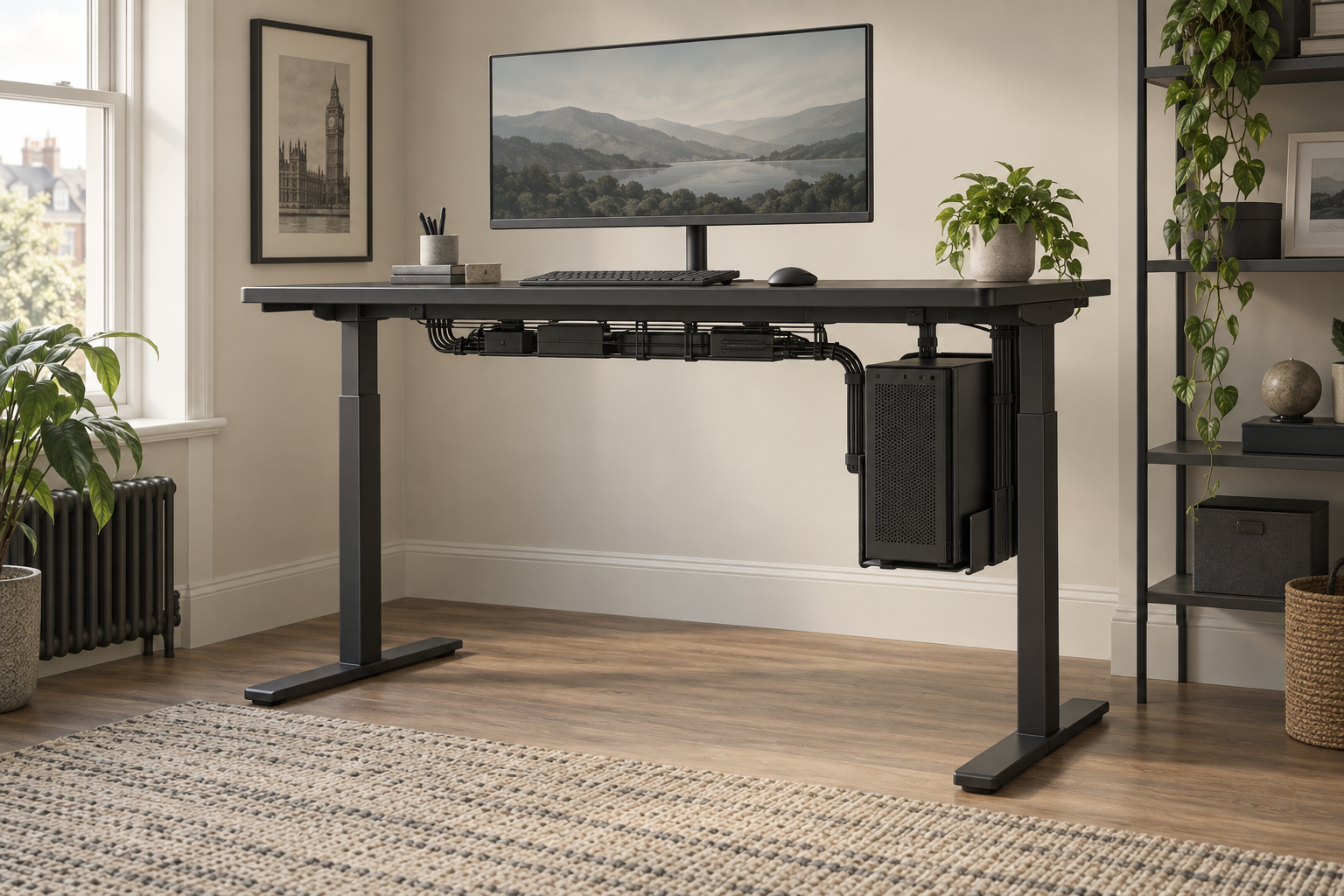
Generic editorial illustration; this is not a photograph of the MAGNUS Pro or its PC mount.
The Secretlab MAGNUS Pro is worth considering when cable organisation is a major part of your standing-desk purchase. Its attraction is a coordinated desk-and-accessory arrangement, especially if a desktop PC and several peripherals need to move together.
Plan that entire arrangement before ordering. The desk price is only part of the total if you also need a PC mount, monitor arm and other accessories. We have not assembled or tested the MAGNUS Pro; this guide evaluates the documented setup and purchasing choices.
Table of Contents
What makes the setup different?
Secretlab describes the MAGNUS Pro as a metal sit-stand desk with integrated power routing and a range of magnetic accessories. Its dedicated PC mount is specified for the MAGNUS Pro and Pro XL, with supported case dimensions and a weight limit. See the MAGNUS Pro desk information and PC-mount specification.
The practical question is how much that coordinated arrangement helps your particular equipment. If you mostly use a laptop and one screen, compare its complete cost with a simpler desk and a suitable cable tray. If you have a larger permanent workstation, the integrated approach may deserve more consideration.
Decide where the PC will live
A PC that stays on the floor needs enough cable length to reach the desktop throughout its movement. A suitable mounted PC moves with the desk, changing that routing requirement. Neither arrangement removes the need to check ventilation, access and every cable in the path.
For Secretlab's mount, the manufacturer lists case heights of 354–543mm, widths of 170–300mm and weight up to 25kg. Check the exact case against the current compatibility guidance, not just those headline dimensions. Protruding feet, controls, vents or an unusual shape can affect the mounting arrangement.
Include everything normally fitted to the PC when assessing its weight. Verify that the intended mount does not obstruct necessary access or airflow, and follow its installation instructions. A case that barely meets one measurement is not a reason to skip the rest of the check.
Map the cables at both desk heights
Make a simple equipment list and draw each connection. Include the screen, keyboard, mouse, audio, network cable and any devices that remain off the desk. Connections to a wall, floor-standing device or nearby shelf still need enough movement even when the PC is mounted.
Our desk cable-management guide covers the broader approach. The finished arrangement should remain easy to inspect; tightly hiding everything can make later changes unnecessarily difficult.
| Equipment location | What to check |
|---|---|
| PC mounted beneath the moving top | Mount compatibility, airflow, access and the added moving load. |
| PC on the floor | Cable reach at maximum desk height and protection from snagging. |
| Speakers or accessories on a separate shelf | Connections that bridge between moving and fixed furniture. |
| Monitor on an arm | Mount compatibility and clearance throughout the arm's movement. |
Price the accessories you actually need
Build a shopping list from the equipment plan. Check which items are included in the selected desk package and which are separate. Avoid using a photographed setup as a package-contents list.
For each optional accessory, identify the job it performs. A monitor arm may recover useful desk space; a mounting accessory may keep a particular device reachable. If you cannot name the benefit, leave the item out of the initial order and reassess after the core desk is installed.
Compatibility also affects future changes. Consider whether a different PC case or monitor would still suit the mounts you are buying. You do not need to predict every upgrade, but obvious planned changes belong in the current decision.
Check the room as well as the desktop
Measure the selected desk configuration against the room, chair movement and delivery route. Check the operating height range and clearance around shelves or windows. Our standing-desk buying guide can help establish those requirements.
A clean-looking cable arrangement is valuable only if the desk also fits the way you work. Keep the keyboard, mouse and main screen in practical positions rather than arranging them primarily to show off accessories.
Buying recommendation
Shortlist the MAGNUS Pro when its coordinated power and accessory arrangement solves a real workstation problem, and price the complete configuration. Compare a simpler desk when your equipment is modest or you already have cable management that works well.
Use Secretlab's UK desk information to identify the correct model and buying route. We have not verified an Amazon UK offer for this desk, so no Amazon product recommendation is attached to this guide.
Research checked on 9 September 2026. No hands-on stability, electrical-load or assembly-performance testing is claimed.