
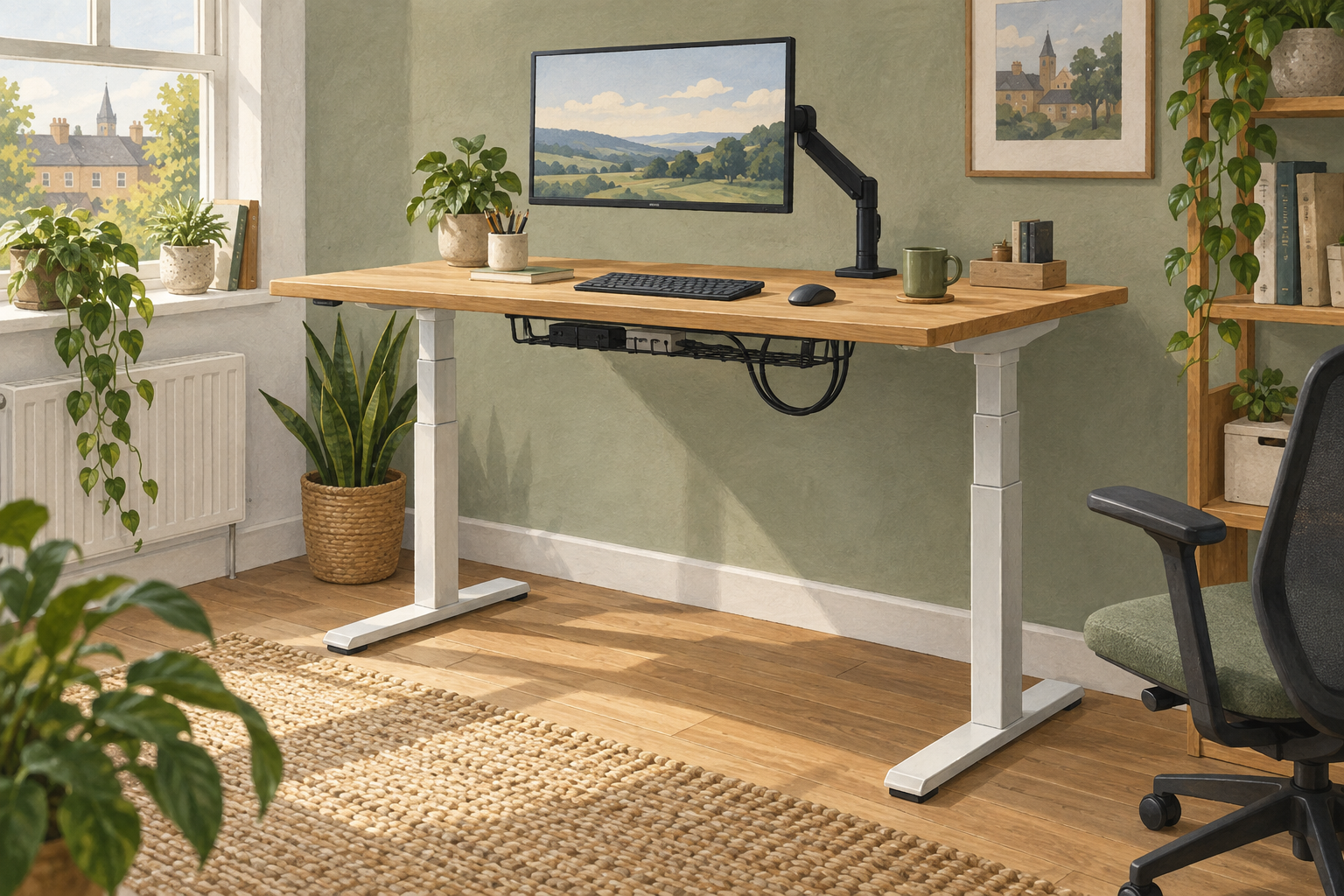
Generic editorial illustration; this is not a photograph of an E7 Pro configuration.
The FlexiSpot E7 Pro can be a sensible shortlist choice for a permanent sit-stand workstation, but compare the exact UK edition and package before comparing prices. The name appears across manufacturer pages published at different times, and their specifications are not fully consistent.
That makes the buying decision more specific than choosing “an E7 Pro”. You need to know which frame, desktop and accessories will arrive. We have not assembled or tested this desk, and do not claim measured stability or motor noise.
Table of Contents
Why the edition needs checking
FlexiSpot's UK E7-series comparison lists an E7 Pro with a 160kg capacity, while its article introducing the 2026 edition lists 180kg. The latter also distinguishes earlier specifications. These pages are useful evidence that the name alone is insufficient; they should not be merged into one specification. Compare the E7-series table with the 2026-edition announcement, then confirm the exact supplied frame with the seller.
Save the chosen configuration and its documented specifications before ordering. If a listing does not identify the edition clearly, ask for its model reference and manual. An answer about a different version is not confirmation for the one in your basket.
Compare complete desks, not starting prices
Check whether the advertised price includes a desktop. Then note its size, thickness, material and finish, plus any included cable tray or other accessories. A frame-only offer and a complete desk are not directly comparable.
If you plan to reuse a desktop, verify its compatibility with the frame, including the permitted dimensions and fixing arrangement. Include the work and hardware needed to mount it correctly. Reusing a top can be worthwhile, but only after establishing that it suits the selected frame.
| Item to record | Why it affects the purchase |
|---|---|
| Exact frame edition | Determines which manual and specifications apply. |
| Included desktop | Changes both the total cost and the finished desk dimensions. |
| Cable-management components | Avoids ordering accessories already supplied or missing something essential. |
| Delivery and assembly requirements | Determines whether you can get the package into the intended room and build it. |
Measure the working height you need
Check the lowest and highest finished desktop positions for the chosen configuration. Establish whether the listed range describes the frame alone or includes the top. A few centimetres of desktop thickness matter when you are comparing the lower end of the adjustment range.
Use your current desk as a reference: note the height and what you would change. Consider both seated and standing work, as well as anyone sharing the desk. Our standing-desk buying guide covers the wider selection process.
Do not treat a broad recommended user-height range as proof of individual fit. Your chair, footwear, input devices and body proportions affect the arrangement. The objective is a desk that reaches the positions you need, rather than the tallest maximum setting on a comparison chart.
Capacity is not a stability test
The stated load capacity does not tell you how much the screen will move while you type at standing height. Desk size, equipment position, monitor mounting, floor and assembly all contribute to the working arrangement. We have not measured wobble on any E7 Pro edition.
List the equipment that will move with the desktop and confirm the applicable capacity definition in the manual, including whether the top is counted. Arrange heavy items according to the manufacturer's guidance. Do not use a larger capacity number as permission to ignore the recommended setup.
Check the whole movement path
Plan where the cables go at both height extremes. Check nearby windowsills, shelves, drawers and the chair arms. A desk that fits when stationary may meet an obstruction as it moves. Follow the assembly instructions and keep the intended travel path clear.
Our desk cable-management guide can help plan slack and access. Confirm compatibility before adding a monitor arm or under-desk accessory; the frame and desktop both affect where a clamp or fixing can go.
Buying recommendation
Consider the E7 Pro after you have a written specification for the actual UK edition and a complete package price. Compare another configuration if its working range or desktop size better suits the room. A discounted version is useful only when it meets the requirements you established before shopping.
Use FlexiSpot's UK E7-series page to identify the E7 Pro and its buying options. We have not verified an Amazon UK offer for this exact model. Confirm the edition, included top, seller and current terms on any listing you consider.
Research checked on 9 September 2026. Conflicting manufacturer-page figures are disclosed rather than presented as a single verified specification.