
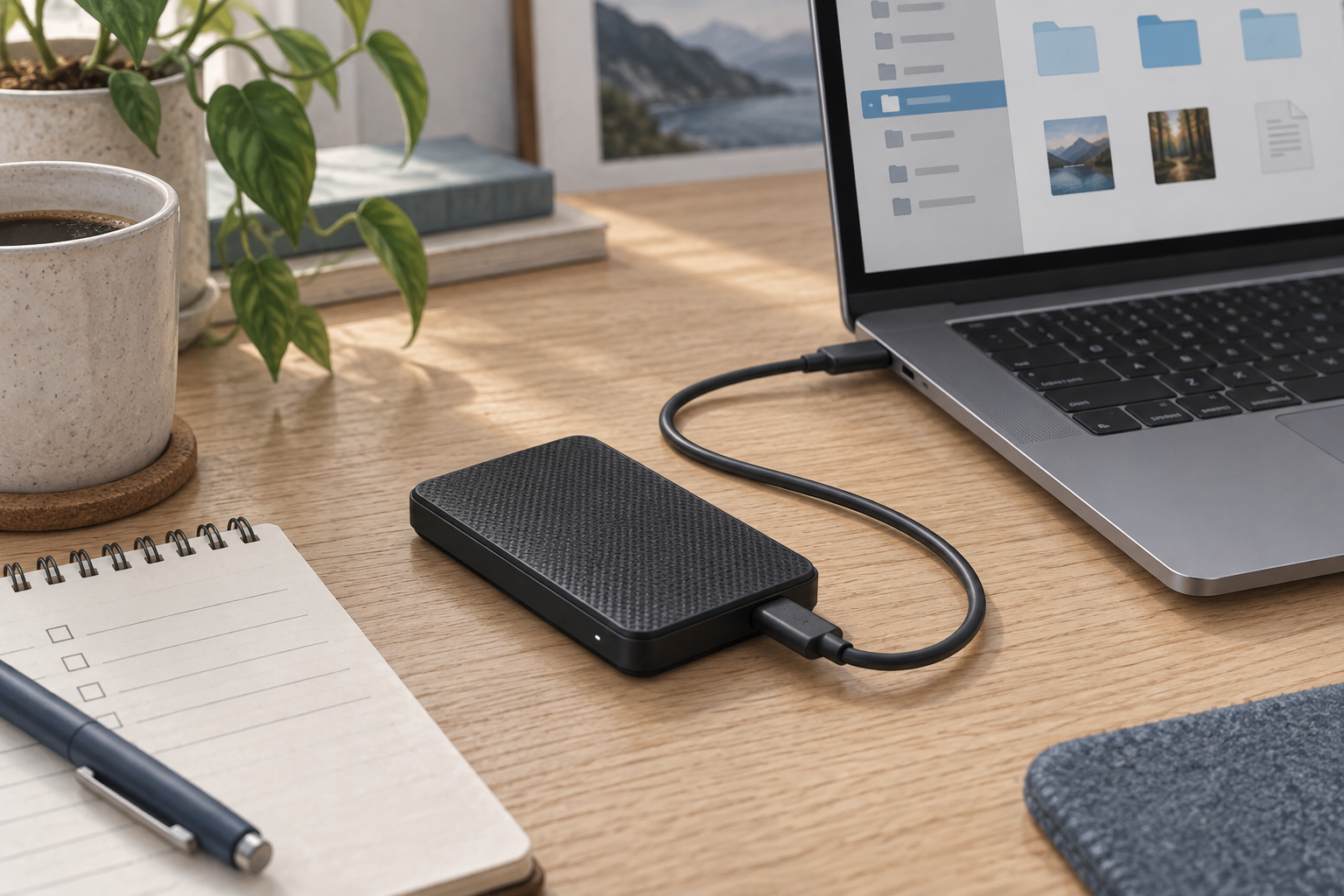
Generic editorial illustration of portable storage; this is not a photograph or rendering of the Samsung T9.
The Samsung T9 is most interesting when your computer and connection can use its USB 3.2 Gen 2×2 interface. Before paying for its advertised transfer speed, check the complete route between the drive and your computer, including any dock.
An SSD with a USB-C socket does not establish what speed a particular laptop port or cable will support. This guide explains the buying checks from Samsung's documentation. We have not benchmarked the T9.
Affiliate disclosure: As an Amazon Associate, we earn from qualifying purchases.
Table of Contents
What connection does the T9 use?
Samsung specifies USB 3.2 Gen 2×2 at 20Gbps. Its performance note says that the host and cable must support Gen 2×2, with UASP enabled, to reach the headline maximum sequential transfer rates. See the Samsung UK T9 2TB specification and performance conditions.
Look up your computer's exact model and port specification. A USB-C connector identifies the plug shape; you still need the supported data mode. If the documentation is unclear, ask the computer manufacturer about USB 3.2 Gen 2×2 specifically.
The same applies to a dock. Find the specification for the downstream port where the drive will connect, not simply the headline speed of the dock's connection to the laptop.
Check the path one component at a time
Sketch a simple connection list before ordering: computer port, cable, optional dock and drive. Every part needs to support the intended mode for that mode to be usable throughout the path.
| Connection point | What to confirm |
|---|---|
| Computer | Exact USB data modes supported by the chosen port. |
| Cable | Data capability appropriate to the drive, not only charging wattage. |
| Dock or hub | Downstream port capability and any relevant sharing limitations. |
| Drive | T9 model and selected capacity, rather than another Samsung portable SSD. |
For the initial setup, a direct connection is useful because it removes the dock from the list of things to investigate. Once that works, assess the docked arrangement you intend to use daily.
Our home-office cable-management guide can help you keep the drive's data cable identifiable rather than mixing it with visually similar charging leads.
Read speed claims for the selected capacity
Do not treat an “up to” number as the speed of every file copy. Samsung's UK 2TB page promotes the family with up-to-2,000MB/s read/write wording, but its detailed 2TB specification lists up to 2,000MB/s sequential read and 1,950MB/s sequential write. Use the capacity-specific technical table when comparing offers.
Those are manufacturer figures under stated conditions, not results measured by this site. Your workflow involves other factors too: the source drive, file sizes and the work your computer is doing. A folder of small documents is not the same workload as one large sequential transfer.
If your current connection is slower, the T9 may still be usable, but you should not budget on obtaining its headline speed there. Decide whether you are buying for today's computer or a specific future setup whose capabilities you have checked.
Choose capacity around the files you keep
Measure the space occupied by the projects you need to carry or keep locally. Add a realistic allowance for upcoming work and consider whether old projects will remain on the drive or move to another location.
Compare prices at the same capacity. A cheaper 1TB search result is not a direct alternative to a 2TB offer if your existing files already require more space. Check the model code and capacity after selecting any variation on a retailer's page.
Avoid treating a larger working drive as a backup by itself. If the only copy of a project is on that drive, losing it still means losing the project. Decide separately where another recoverable copy will live.
Will it stay connected or travel with you?
At a permanent desk, give the drive a stable place where the cable will not be snagged when moving a laptop or chair. For travel, plan how it and its cable will be carried, and follow the operating system's removal procedure when disconnecting.
If most of your work stays at home, consider whether you actually need portable storage or simply more capacity at the workstation. Our home-office storage guide covers the physical organisation side of keeping devices and accessories accessible.
Who should shortlist the T9?
Shortlist it when portable capacity matters and you have confirmed a suitable connection, or when its current price makes sense even at the speed your setup supports. Compare other drives if your host cannot use Gen 2×2 and transfer speed is the main reason for paying more.
Check the Samsung T9 2TB listing on Amazon UK for the selected capacity, seller and current delivered price. The model was visible in Amazon UK search results when researched; the listing is not a promise of a particular speed on your computer.
Research checked on 9 September 2026. No hands-on transfer, thermal or durability test was performed.