
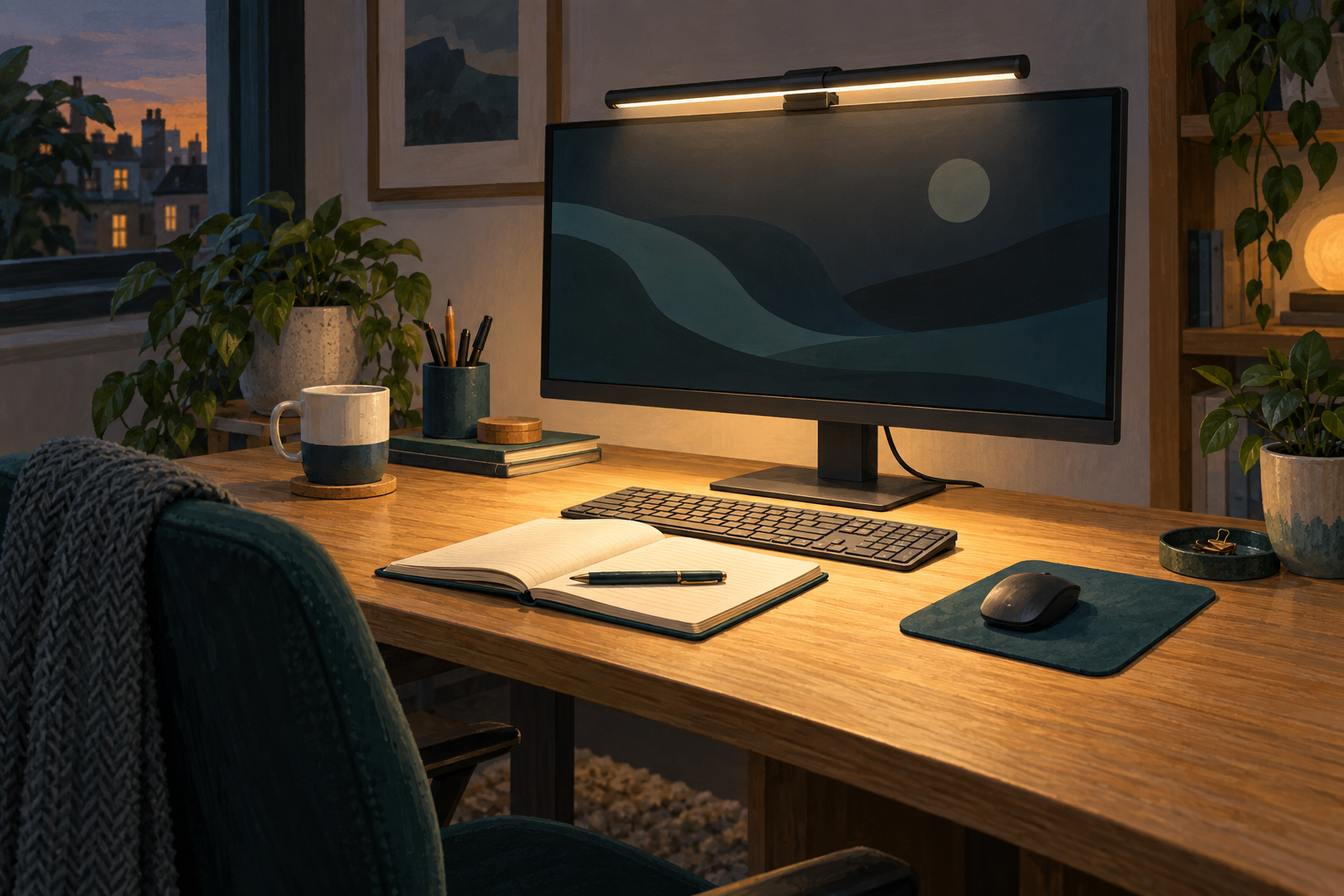
Generic editorial illustration; this is not a photograph or measured lighting demonstration of the ScreenBar Pro.
The BenQ ScreenBar Pro is worth considering when the space directly in front of your monitor needs task lighting and you want to avoid another lamp base on the desk. Its position also creates the main buying question: will it fit the screen, webcam and shelf arrangement you already have?
Settle that before comparing brightness claims. A monitor light that cannot sit properly on your display is a poor fit, regardless of its advertised output. We have not tested this light or measured its illumination.
Affiliate disclosure: As an Amazon Associate, Best Desk Setup earns from qualifying purchases. Shopping links may earn a commission at no extra cost to you.
Table of Contents
Measure the monitor housing
BenQ lists compatibility with monitor thicknesses from 0.43 to 6.5cm and specified curved displays from 1000R to 1800R. Its specification gives a 50cm light-bar width and identifies a webcam accessory separately. Check the housing shape and mounting arrangement against BenQ's ScreenBar Pro specification and product guidance.
Thickness alone is not a complete fit assessment. Look at the top edge, rear profile, any ventilation openings and the location of the camera. If the shape is unusual, ask BenQ about the exact monitor model rather than assuming a dimension within the range guarantees a suitable mount.
Decide where the webcam will go
A light bar and webcam often compete for the same position. Sketch the two devices on the monitor and check whether an accessory or separate camera position is needed. Include that cost in the comparison.
Keep the camera's view and your access to its controls in mind. A mounting solution that technically fits can still be irritating if you must move it whenever you adjust the light. On a desk used for frequent calls, the everyday arrangement matters more than a tidy photograph.
| Your desk arrangement | Check first |
|---|---|
| Webcam mounted at the centre of the screen | Compatible mounting positions or the required webcam accessory. |
| Shelf immediately above the monitor | Clearance for installation and reaching the light controls. |
| Curved or unusually shaped monitor | Exact-model compatibility with the clamp and housing. |
| Notebook often used beside the screen | Whether a monitor-mounted light can illuminate your actual writing position. |
Use the correct power source
BenQ specifies 5V at up to 1.7A, with maximum consumption of 8.5W, and directs users to an appropriate USB-C power source or the supplied adapter. See its ScreenBar Pro power-input guidance.
Check the output of the monitor's USB port rather than assuming any spare connection is suitable. Also consider what happens when the monitor or computer sleeps. If you want the lamp available for writing while the computer is off, choose a power arrangement that supports that routine.
Plan the cable route before fastening it down. Leave access for changing the monitor's height and angle, and avoid putting tension on the connection. Our desk cable-management guide covers the rest of the installation.
Is a light bar better than an adjustable desk lamp?
For a keyboard-and-notebook area directly in front of a monitor, a mounted bar can free the space occupied by a lamp base. A separate adjustable lamp may be more useful if the work moves around the desk, such as drawing to one side or reading away from the computer.
Compare where you need the light, not only how much light a product advertises. Place your normal notebook, reference material and keyboard in their working positions. Then consider whether the lighting can reach them without requiring you to rearrange the whole desk.
Automatic controls can be convenient, but they are not the sole reason to upgrade a light that already meets your needs. Assess fit, control access and the resulting desk arrangement first.
Keep expectations specific
This guide does not claim that the ScreenBar Pro prevents eye problems, cures discomfort or improves productivity by a measured amount. We have not conducted clinical or lighting tests. The buying objective here is simply an appropriate, practical task-lighting arrangement.
If you are also replacing the screen, choose it first and then confirm the light's fit. Our home-office monitor guide can help establish that part of the desk.
Buying recommendation
Shortlist the ScreenBar Pro when the monitor is compatible, your task area sits in front of it and the light frees useful desk space. Compare an adjustable lamp if you need to direct light to several different working positions. Include any webcam accessory and the correct power arrangement in the total cost.
Check the black BenQ ScreenBar Pro on Amazon UK
This link was checked against the black ScreenBar Pro product page. Confirm the selected colour, exact Pro model, package contents, seller and current terms before ordering.
Can it replace the room light?
Plan it as task lighting for a particular working area. Assess the rest of the room separately; a lamp positioned above the monitor does not establish that the whole room is lit appropriately.
Research checked on 9 September 2026. No hands-on fit test or measured illumination results are claimed.