
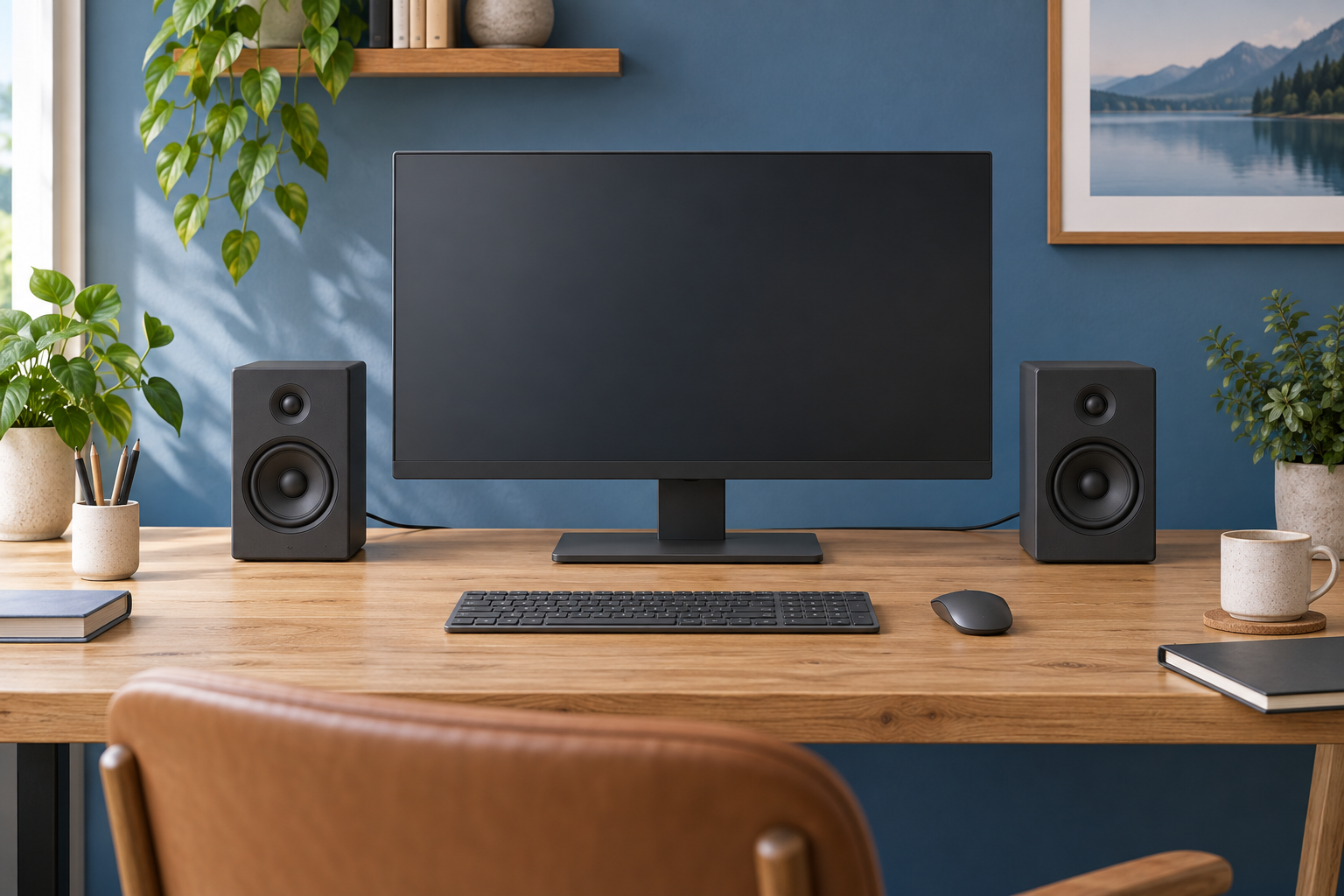
Generic desk-audio illustration, not a photograph or exact rendering of Edifier MR4.
Edifier MR4 is a powered-speaker pair to consider when you want a computer desk that also handles music listening or a modest recording setup. Its connections are the first buying check. The documented TRS, RCA and AUX inputs serve analogue audio sources; they should not be mistaken for a built-in USB interface or a microphone input.
This guide assesses the manufacturer specification and manual. We have not tested the speakers' frequency response, sound quality or suitability for professional mixing.
Affiliate disclosure: As an Amazon Associate, we earn from qualifying purchases.
Table of Contents
Can you connect MR4 directly to a computer?
Edifier's MR4 product page describes a 3.5mm AUX input for devices including computers, alongside RCA and balanced TRS inputs. If your computer has a suitable analogue audio output, you can plan a connection around that output.
If your computer only offers the connection you want through USB, identify a suitable audio adapter or interface rather than assuming a USB cable can plug directly into these speakers. Choose the device for your actual needs, including any headphone or recording requirements.
Check the entire route before ordering: computer output, cable, speaker input and any separate device between them. A port with the right physical size is not enough when its intended signal is different.
What are the balanced TRS sockets for?
The official MR4 manual describes the 6.35mm balanced inputs for sources such as audio interfaces and mixers with appropriate balanced outputs.
These are speaker inputs, not microphone preamps. To use a microphone for recording or calls, select a separate suitable microphone connection. A microphone with a large jack plug should not be assumed to work simply because it fits the socket.
If you already own an audio interface, read its output specification and choose the matching cables. Confirm how its volume control operates the speaker outputs, so you have an accessible level control during normal work.
Does every input need a switch?
Edifier's manual says the three inputs can be used in parallel. That is useful information when planning more than one connected source, but it also means you should think about unwanted audio from a device you are not currently using.
Begin setup with one source and low volume, following the manual. Once that works, add the next device and test the behaviour deliberately. Keep notifications, media playback and meeting audio in mind before leaving several sources connected.
Avoid assuming the speakers provide the same routing controls as a mixer or monitor controller. If you need controlled source selection for work, establish how you will achieve it in the complete system.
What happens when you plug in headphones?
The manual states that inserting headphones into the front headphone output mutes the speakers, with headphone volume controlled by the multifunction dial. This could be convenient when moving from shared-room listening to private work.
Test that change at a low level during setup and confirm which device your meeting application is using for its microphone. A headphone output does not add a microphone input to the computer.
For a separate input, our desk microphone guide can help compare arrangements. Keep listening and recording requirements separate when choosing the equipment.
Make room for the cabinets and connections
Edifier lists the active speaker at 140mm wide, 228mm high and 197.5mm deep, with a slightly shallower passive partner. Allow extra space for rear connections and the placement required by the manufacturer.
Mark the footprints on your desk and check the monitor, keyboard and mouse positions. Consider whether speaker stands would improve the physical arrangement, and include their footprint if you intend to use them.
Our desk-speaker guide can help compare alternatives where space is tight. A smaller pair with a more convenient connection may be a better practical purchase than a larger system you cannot place sensibly.
Who should shortlist MR4?
Consider MR4 when its analogue inputs match your computer or interface and you have room for the pair. Evaluate it with familiar speech and music during a trial; the “studio monitor” description does not establish independently measured accuracy or guarantee your preferred sound.
You can check the black Edifier MR4 pair on Amazon UK. Confirm the pair, colour, supplied cables and suitable UK power connection, and distinguish MR4 from similarly named Edifier models.
Research checked on 9 September 2026. No listening or recording-performance benchmark is claimed.