
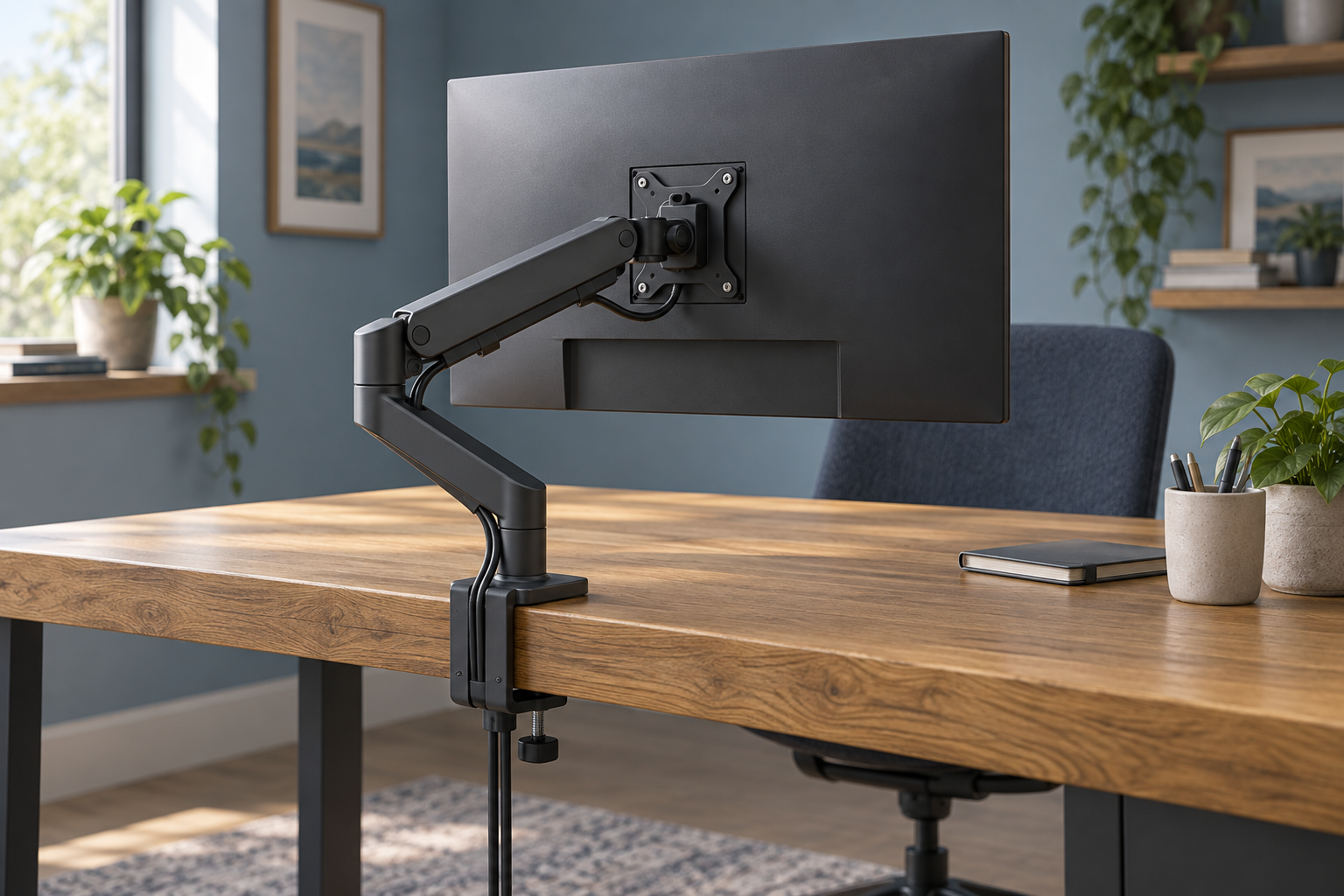
Generic editorial illustration; this does not depict a specific Humanscale model or its indicator colour.
Humanscale's M2 Pro is the newer model to consider alongside listings for the older M2.1. The naming change matters because the manufacturer describes a higher supported weight range. When buying used, clearing old stock or comparing listings with mixed photographs, establish which arm is actually being supplied before applying the new specification.
This guide uses Humanscale's current upgrade documentation. We have not tested either model's adjustment feel or assessed a particular second-hand arm.
Table of Contents
What changed from M2.1 to M2 Pro?
Humanscale's M/Class upgrade explanation lists the legacy M2.1 range as 2.3–7kg and the M2 Pro range as 2.3–10kg. The page describes engineering changes as well as the updated product name.
That does not increase the capacity of an older arm already on someone's desk. If an offer says M2.1 but quotes the M2 Pro limit, ask the seller to resolve the mismatch before ordering. A heading copied from a newer catalogue is not evidence that the physical item has changed.
For an existing installation, keep the documentation supplied with the arm and ask Humanscale to identify it if the model is uncertain. Do not select a heavier monitor on the assumption that similar-looking generations have identical ratings.
How can you distinguish the models?
The upgrade page identifies red counterbalance indicators on M2 Pro and M8 Pro, compared with green indicators on M2.1 and M8.1. This is useful supporting evidence when examining a listing or asking for photographs.
Use the indicator alongside the full product label, configuration and seller's description. A colour cue should not replace the complete identification process, especially if the arm has been assembled from separately purchased parts.
For a used offer, request clear photographs of the base, joints, monitor plate and identifying details. You want to establish both the model and whether the required components are present. Our monitor-arm guide provides a wider framework for checking the desk and monitor fit.
Single-monitor and multi-monitor ratings differ
Humanscale's UK monitor-arm selector lists a 2.3–10kg range for the M2 Pro single-monitor arm. Other configurations in the same family, including slider and multi-monitor arrangements, have their own limits.
Keep your comparison tied to the configuration you will actually use. Adding a second display or another accessory creates a different requirement from mounting one screen to a standard single arm.
If you expect to expand later, request a written parts list and capacity confirmation for the planned arrangement. Compare that complete cost with buying the required configuration at the outset. Avoid assuming that a similar-looking extra joint or crossbar is an approved extension.
Record the monitor's mounting information
Find the display's exact model, weight without its original stand, VESA pattern and any required adapter. Also note anything that will remain attached behind the screen. Supply that information when asking Humanscale about compatibility.
The lower weight limit deserves attention too. A display below the specified range is not automatically compatible because it is light. Equally, a screen whose weight sits inside the range still needs an appropriate mounting interface and clearance.
Make these checks before choosing a finish. Matching the colour of the desk is a worthwhile final preference, but it cannot resolve an unsuitable screen-and-arm combination.
Check the base against your actual desk
Listings can offer different clamp or mounting options. Identify the supplied base and compare its instructions with the desktop's thickness, construction and underside clearance.
Look for rails, drawer units and cable trays near the intended mounting point. Plan enough working space for installation, and check how the arm will fold when the monitor is pushed back. A wall immediately behind the desk can affect the usable arrangement.
For a sit-stand desk, route cables through all intended positions before tidying them. Our home-office cable guide can help you plan the route and keep the movement points accessible.
Which offer is the better choice?
An M2.1 offer deserves consideration only against its own confirmed specification and condition. The M2 Pro is the model to investigate when the newer capacity range is part of your requirement, provided your exact configuration is approved.
Compare the complete delivered price, mounting hardware and applicable support terms. The Humanscale UK configurator explicitly identifies M2 Pro as the upgraded model. Use that and the current upgrade guide to clarify an offer rather than relying on a marketplace title alone.
Research checked on 9 September 2026. No Amazon listing has been verified for this configuration, and no hands-on durability claim is made.