
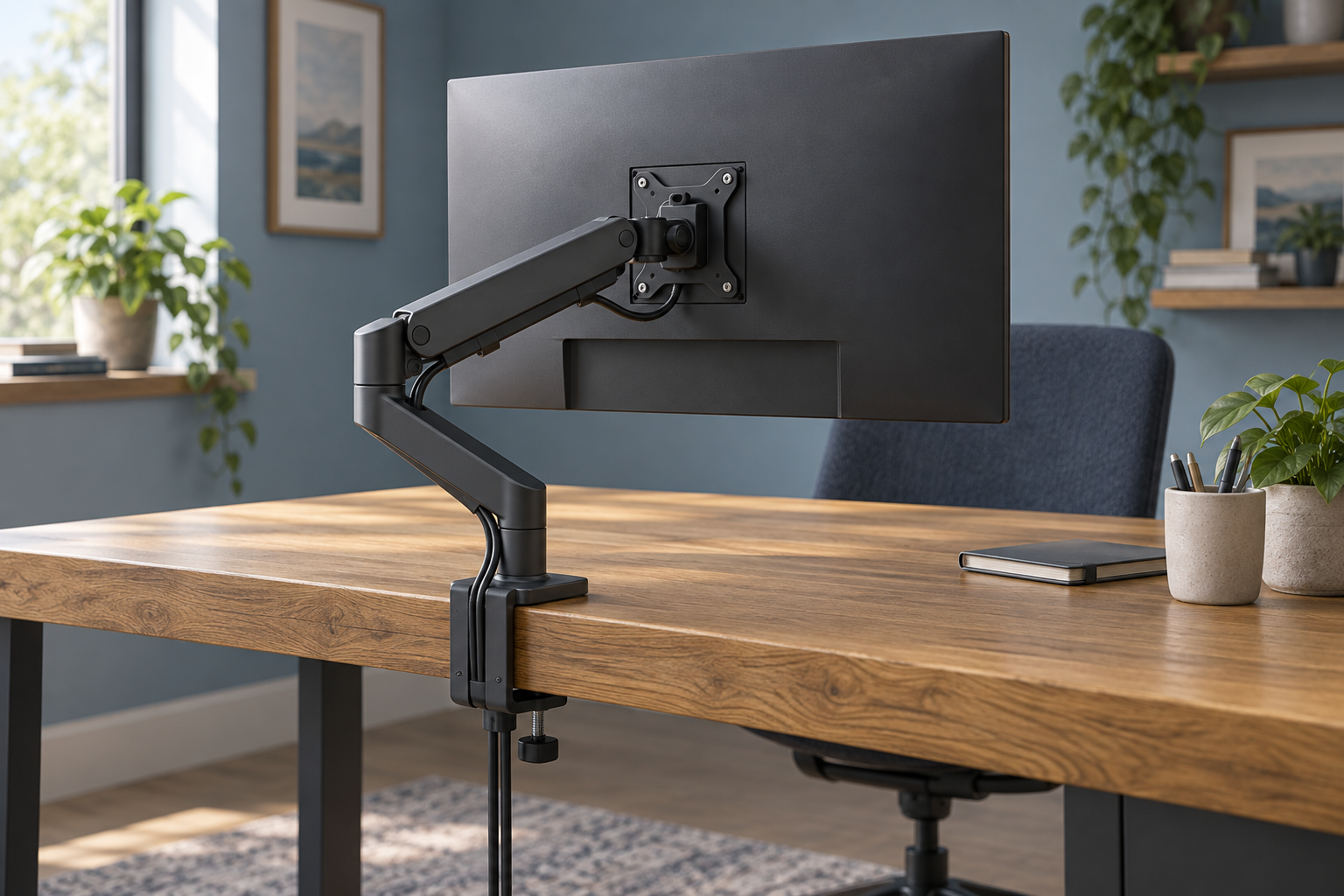
Generic illustration, not an Ergotron HX product rendering or a demonstration of a supported monitor.
An Ergotron HX arm can be a substantial part of an ultrawide desk budget. Choosing the right version matters more than buying the strongest-sounding name. The HX with HD Pivot is aimed at a particular curved-screen arrangement, and its suitability should be checked against the complete monitor model rather than a familiar family name such as Odyssey G9.
This guide compares the documented buying requirements. We have not mounted or tested a display on the arm.
Affiliate disclosure: As an Amazon Associate, we earn from qualifying purchases.
Table of Contents
What does the HD Pivot version include?
Ergotron's HX with HD Pivot product sheet identifies complete desk-arm models 45-647-216 in white and 45-647-224 in matte black. The package described includes the arm and heavy-duty tilt pivot, with desk-clamp and grommet mounting hardware.
A listing for a pivot accessory is a different purchase. Before treating an unusually low price as a bargain, check whether it includes the whole arm, only a replacement component or a used assembly missing its desk attachment.
The product sheet provides a useful identification reference. Confirm the current contents of the exact UK offer, particularly for used or open-box hardware.
The HD specification is more than a maximum weight
That sheet describes a target of 1000R curved displays 15.2–30.4cm deep and weighing 12.7–19.1kg. It also lists 29.2cm of lift and tilt of 15 degrees upward and 5 degrees downward.
Those conditions should be read together. A lighter display is not automatically a better match, and a larger display should not be approved merely because its weight is below the maximum. Start with the monitor's stand-free weight, depth and mounting details, then obtain confirmation for the exact combination.
For example, if two monitors share a product-family name but differ in size or curvature, keep them as separate compatibility checks. Do not transfer an answer about one to the other.
HX, HD and VHD are distinct choices
Ergotron's current desk-mount range lists the standard HX, HX with HD Pivot for deep curved screens and HX with VHD Pivot for extreme-depth curved screens as separate products.
This is a reason to use the manufacturer's monitor matching service or ask support before ordering. It is not a reason to assume that the VHD is an interchangeable add-on for every older HX assembly.
If you already own an HX, provide its full part number when asking about a different monitor. Describe any existing pivot accessory too. A recommendation for a complete new product does not necessarily establish an upgrade path for the equipment on your desk.
Will the desktop and viewing distance work?
Removing a large monitor stand can free a useful area of the desk, but the replacement arm still needs an appropriate mounting surface and space to move. Check the desk manufacturer's guidance on a concentrated clamp or grommet load.
Consider where you want the screen surface to sit relative to your chair. A deep curve and an arm folded behind it can use more of the desk depth than the monitor width alone suggests. Map the intended clamp point, wall clearance and screen position before buying.
Our ultrawide arm guide is a useful starting point for comparing arrangements. If the whole desk is changing, see our standing-desk guide for multiple monitors for broader layout considerations.
Budget for the complete installation
Compare offers on the full set of parts you need, including any monitor-specific mounting adapter. Confirm whether those parts are supplied with the display, the arm or neither.
Plan the cable route for the furthest position you expect to use. Follow the full arm and monitor installation instructions, including any assistance they require. A short buying guide should not replace the procedure for mounting a large, expensive screen.
Keep the original stand and packaging while evaluating the arrangement, where practical. That gives you a workable way to return to the previous setup if the arm's positioning does not suit your room.
Should you buy the HX with HD Pivot?
Shortlist it once Ergotron confirms your exact monitor and the desk can accommodate the mounting arrangement. If either point remains unresolved, the sensible next step is a compatibility answer rather than choosing by price or the “heavy-duty” label.
You can check the complete matte-black HX with HD Pivot on Amazon UK. Check the part number and package contents carefully, and compare current UK seller and returns terms.
Research checked on 9 September 2026. Compatibility must be confirmed for the actual monitor and arm combination.