
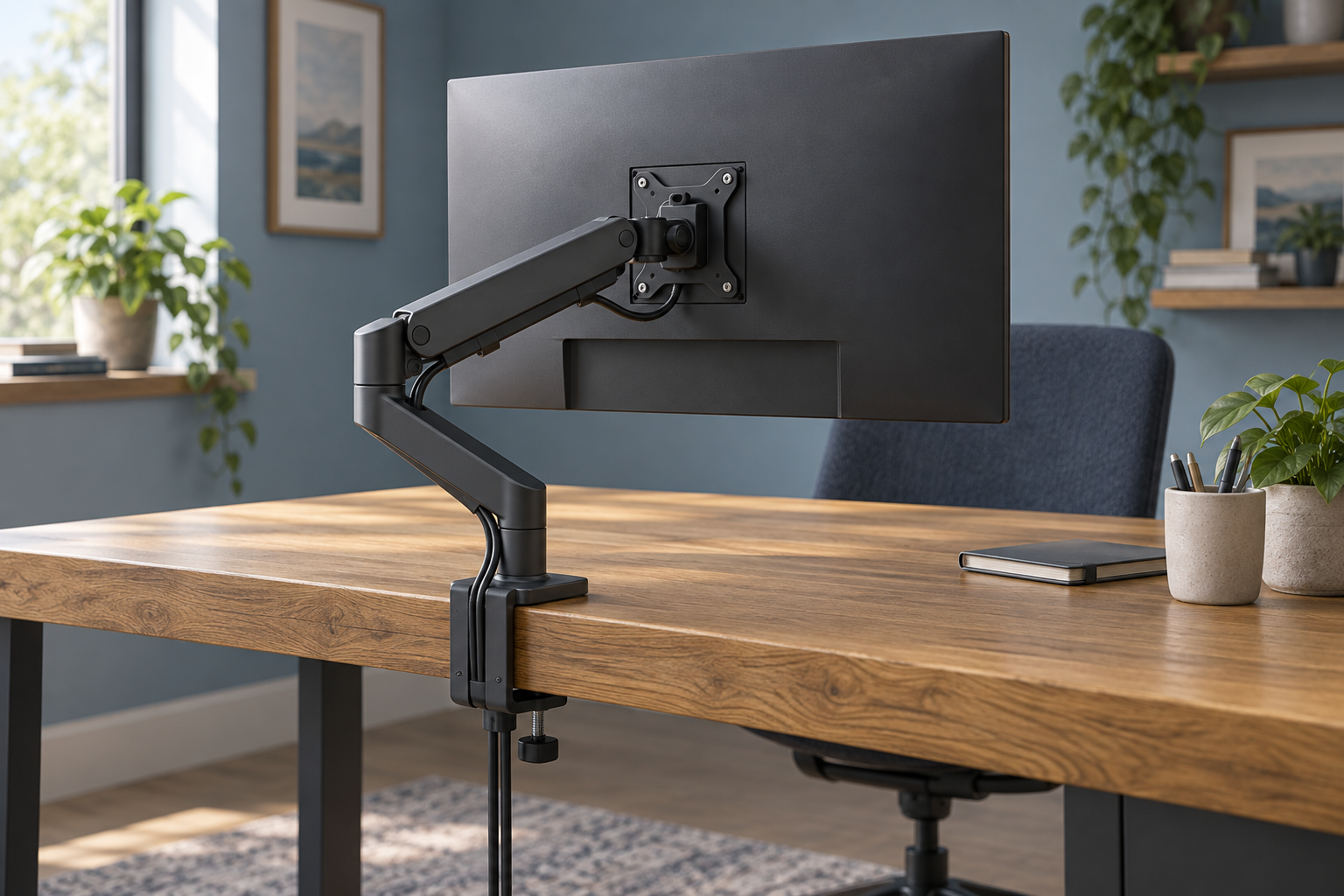
Generic editorial illustration; this does not depict the exact Ergotron LX Pro or its installation.
The Ergotron LX Pro is a premium monitor-arm candidate for a desk where you regularly change the screen position. Two details deserve attention before its maximum weight capacity: the minimum supported weight and the depth of your monitor. They can rule out an apparently suitable display before you start comparing finishes.
This guide uses Ergotron's published specifications for the single-monitor LX Pro, including model 45-682-292. It is not a hands-on assessment of movement or build quality.
Affiliate disclosure: As an Amazon Associate, we earn from qualifying purchases.
Table of Contents
Why the minimum weight matters
Ergotron specifies a display range of 1.8–10kg for this LX Pro configuration. The lower figure is part of the compatibility requirement, not an optional suggestion. Check the weight of your screen without its stand, including any mounting accessories where the manufacturer requires them to be counted.
A small portable display is therefore not automatically suitable simply because it is easy to lift. If your display falls outside the stated range, ask Ergotron for a suitable alternative rather than assuming extra tension adjustment will solve the mismatch.
The figures above come from Ergotron's LX Pro specification for 45-682-292. That page documents the hardware; UK purchase terms should be checked with your chosen seller.
Curved-screen depth adds another condition
The same specification warns that displays deeper than 9cm may affect weight capacity. Consequently, a curved monitor below 10kg is not automatically approved by the headline rating.
Find the exact monitor model and ask for compatibility confirmation if its depth exceeds that threshold. Include its weight without the stand and any required mounting adapter. “A 34-inch monitor” is not enough information to resolve the question.
If you are still choosing the screen, compare the complete screen-and-arm combination before placing either order. Our ultrawide monitor-arm guide explains why the shape and mounting arrangement deserve attention alongside the diagonal size.
Choose the mount before the colour
For 45-682-292, Ergotron lists a two-piece desk clamp for surface edges 10–60mm thick. Other LX Pro listings may use a different attachment option or pole arrangement, so keep the full part number with your notes.
Measure the rear edge of the actual desk and inspect underneath it. A clamp needs an appropriate contact area; a drawer, support rail or deep cable tray may occupy that space. Obtain the desk manufacturer's guidance if the desktop material or permitted mounting method is uncertain.
Do not order a grommet version simply because the desk has a cable hole. Confirm the hole, surface and fixing requirements for that specific mounting kit first.
Lift is different from absolute screen height
Ergotron lists 33cm of lift for this arm. That describes movement range, not a promise that the top of every attached monitor reaches the same height above the desk.
The position of the monitor's VESA holes and the screen's dimensions affect where its edges end up. Compare the dimensional drawing with the screen centre you want at your desk. If considering a taller-pole version, compare that exact version instead of combining measurements from multiple LX products.
For a standing desk, check both sitting and standing arrangements. The desk movement and arm movement serve different parts of the setup, and neither eliminates the need to check the final screen position.
Plan how it folds near a wall
Sketch the desk edge, intended clamp point and monitor position from above. Include the wall and any shelf behind the screen. Then compare that arrangement with the arm's movement envelope.
A clean photograph of a fully extended arm does not tell you how it will fold into your smaller space. Leave room for the joints and cables throughout the positions you expect to use. Our cable-management guide can help organise the leads without making them taut.
When is the LX Pro worth shortlisting?
It makes sense to compare it when your monitor meets the full compatibility requirements and adjustable positioning is a regular part of your work. If your screen stays in one place and its supplied stand already reaches that position, first identify what the arm would improve: usable desk area, reach or easier repositioning.
You can check the white single-monitor LX Pro offer on Amazon UK. Match the part number, attachment option and included hardware before comparing the total price. Original LX, LX Pro and multi-monitor configurations should be evaluated from their own specifications.
Research checked on 9 September 2026. No stability or adjustment-speed benchmark is claimed.