
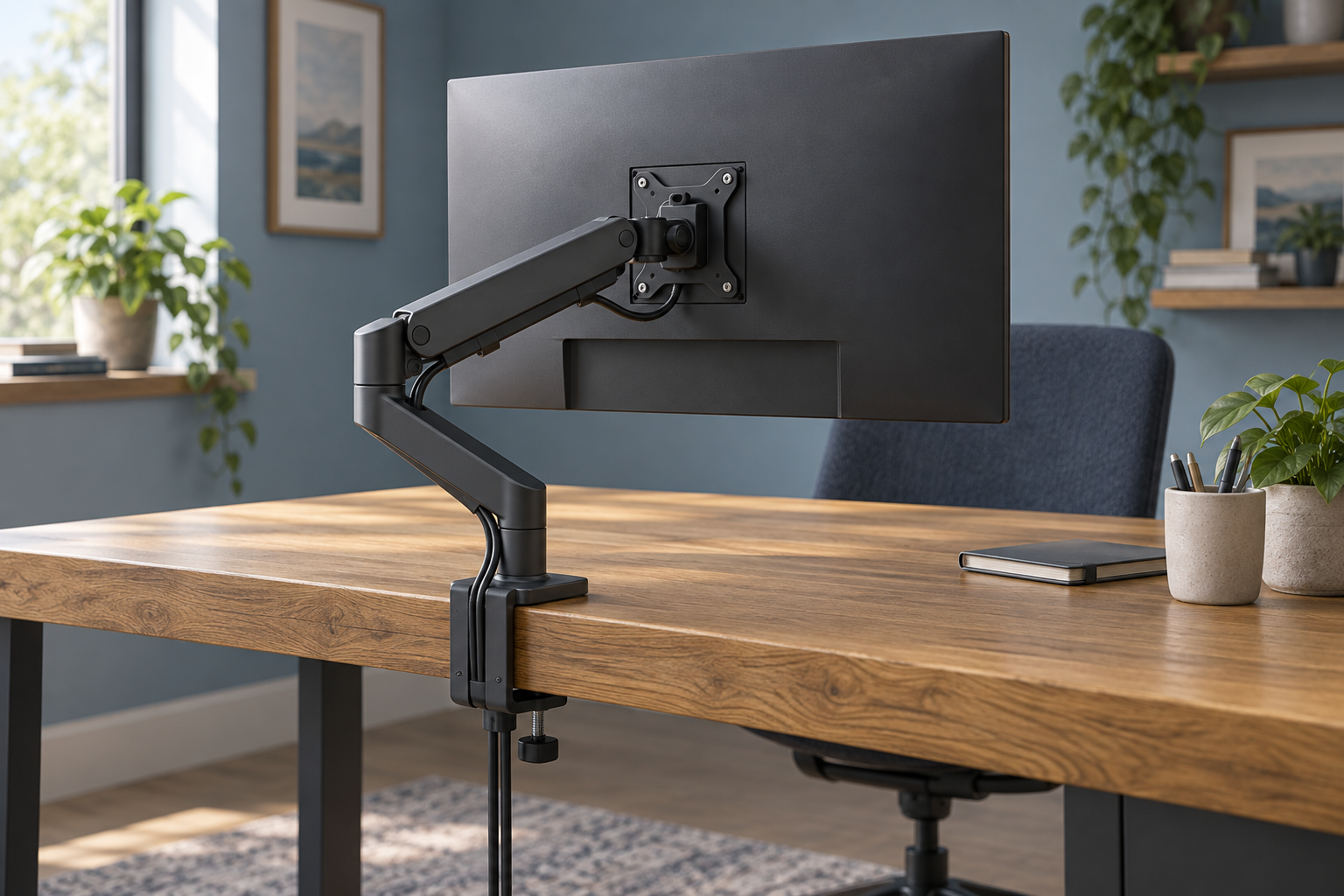
Generic editorial illustration, not an ARCTIC product photograph or installation diagram.
The ARCTIC X1-3D looks attractive if you want to remove a monitor's stand and gain an adjustable screen position. Before buying it for a heavy display, however, read the adjustment instructions as carefully as the maximum weight figure. A monitor can fall within the advertised capacity without offering the effortless tilt changes you expected.
This is a documentation-based buying guide. We have not tested the arm's movement, stability or long-term durability.
Affiliate disclosure: As an Amazon Associate, we earn from qualifying purchases.
Table of Contents
What changes above 8kg?
ARCTIC lists a maximum monitor weight of 10kg. Separately, its X1-3D manual explains that tilt and rotation must be tightened for monitors above 8kg, preventing free adjustment of those movements. Changing them requires supporting the screen and following the manual's screw-adjustment procedure.
That distinction matters if you frequently rotate a screen between landscape and portrait, or share a desk with someone who prefers a different tilt. A heavy screen that usually stays in one orientation presents a different buying decision from one you reposition repeatedly throughout the day.
Do not loosen the mounting hardware merely to make movement easier. If frequent adjustment is essential, ask ARCTIC whether your exact display and intended movement suit this arm, or compare a different mounting solution.
Match the display, not its shipping weight
Use the monitor manufacturer's weight without the original stand. Keep track of any adapter or accessory that will remain attached to the screen and confirm how it affects compatibility.
The ARCTIC product specification lists 75×75mm and 100×100mm VESA patterns, with advertised sizes up to 40 inches for 16:9 displays and 43 inches for ultrawides. These are separate checks from weight. A suitable diagonal size alone does not establish a suitable mounting arrangement.
Look at the rear mounting recess too. The holes must be accessible to the plate and the monitor's specified fixings. Follow both manufacturers' instructions about spacers and screw length; a screw entering a threaded hole is not proof that the chosen length is correct.
Check what is inside the desktop
ARCTIC specifies a clamp range of 20–55mm and calls out hollow honeycomb or sandwich desktops as needing a stiffening board to prevent clamp damage. Its manual also discusses reinforcement for thinner tops.
Measure where the clamp will actually sit. A decorative edge, under-desk rail or cable tray can obstruct the mounting area even if the desktop thickness looks suitable from the front. Ask the desk manufacturer about clamping if its construction is unclear.
Treat the arm and desktop as one arrangement. Buying an arm with sufficient monitor capacity does not establish that every surface can support it. Our monitor-arm buying guide covers the wider choice of mounting approaches.
Will the screen reach the position you want?
Start with your current monitor in a comfortable working position. Note the screen centre, the distance from your normal seated position and the available space behind the desk. Compare that arrangement with the arm's dimensional drawing before assuming its maximum extension will be useful.
Think through the folded position as well as the extended one. An arm that reaches far forwards still needs space for its joints when you push the monitor back. A wall, shelf or second display can interrupt that movement.
If the desk changes height, evaluate the cable route at both ends of its travel. Use our desk cable-management guide to plan where the leads run and where movement requires slack.
A practical decision checklist
| Check | What would make you pause |
|---|---|
| Screen weight | A heavy display and a need for frequent tilt or rotation changes. |
| Rear mounting | An uncertain VESA adapter, recess or fixing requirement. |
| Desktop | Unknown internal construction or an obstructed clamp area. |
| Position | No clear route to the screen position you actually use. |
The X1-3D is worth shortlisting when those checks line up and its documented adjustment behaviour fits your routine. It is less compelling if the main reason for buying an arm is unrestricted movement with a display above 8kg.
You can check the ARCTIC X1-3D listing on Amazon UK. Confirm X1-3D specifically: similarly named ARCTIC wall mounts use a different installation arrangement. Check the current seller, delivery and returns terms before ordering.
Research checked on 9 September 2026. Installation should follow the complete manufacturer instructions.