
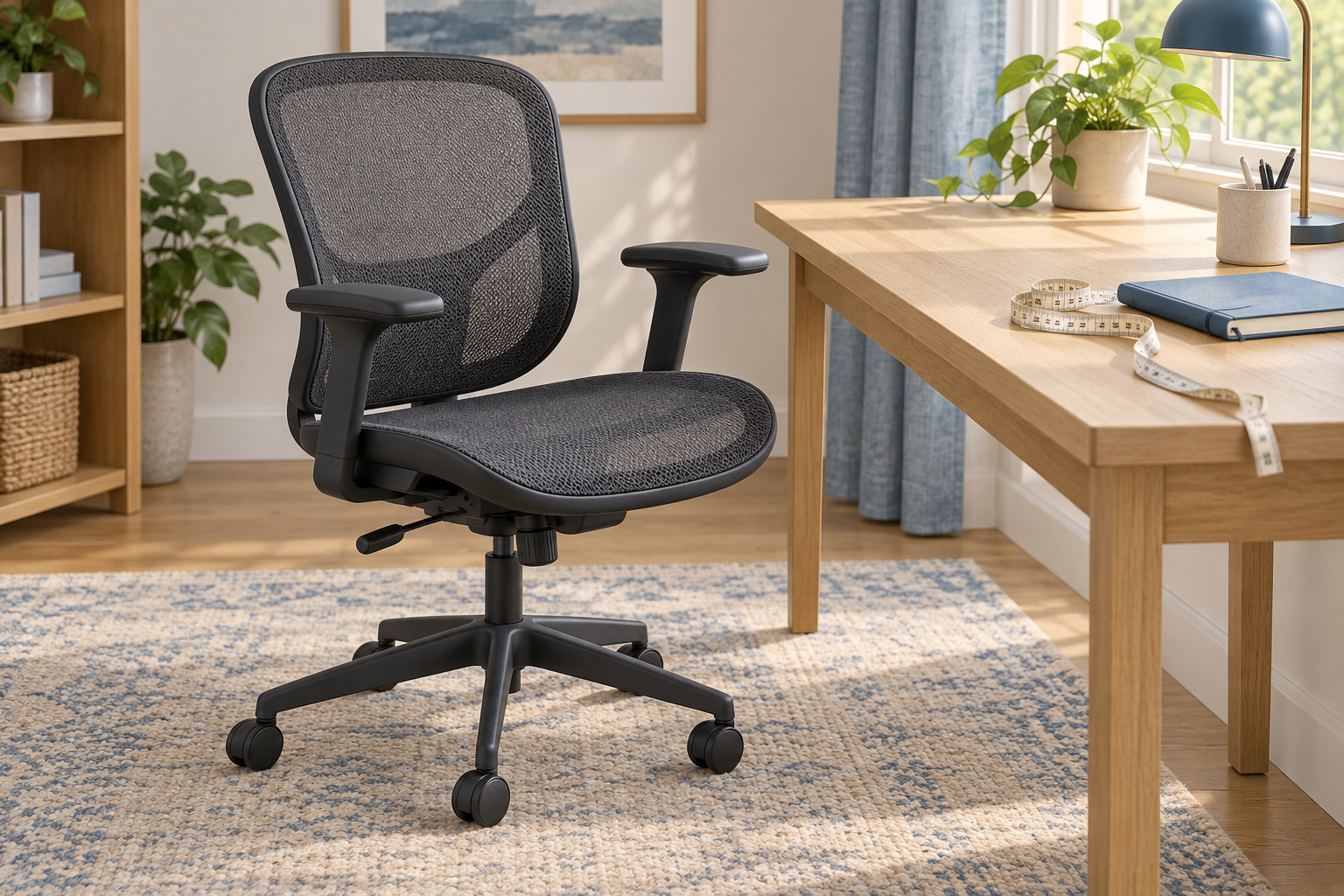
Generic editorial illustration of a mesh task chair; this does not depict the Herman Miller Aeron.
Choose an Aeron by the size and configuration that suit your seated work. A preferred frame colour or discounted listing should come later: neither can make an unsuitable seat fit.
The Aeron is a premium purchase with several decisions hidden behind the model name. This guide explains how to separate them using manufacturer documentation. We have not tested an Aeron and do not assign it a comfort score.
Table of Contents
Start with A, B or C
Herman Miller offers three Aeron sizes. Its buying guide identifies A as small, B as medium/large and C as extra large. The manufacturer recommends considering B for many people near the boundaries between sizes, while drawing particular attention to seat depth. See the official Aeron buying guide and sizing chart.
Treat the chart as a shortlist tool. Your total height does not describe your thigh length, torso or preferred working position, so two people of similar height can still experience a seat differently.
If you are between sizes, try both at a desk where possible. Check whether you can sit back against the backrest while leaving comfortable space at the front of the seat. Compare the usable seat width too, including where its frame sits relative to your legs.
Test the position in which you actually work
Bring the chair to a keyboard and mouse. Set a usable seat height and check your feet, arm position and distance from the desk. A chair can feel spacious while reclining yet put you too far from the keyboard when working.
If you often sit with a leg tucked up or change position substantially, include that in the trial. The seat's shape and perimeter matter; do not assume a widely recommended chair will suit every habit.
Use our guide to choosing an office chair to assess the whole workstation. Record what worked in a trial so you can compare the exact size and settings with an online offer later.
Read the arm specification carefully
The Aeron name alone does not establish the arm configuration. Herman Miller's UK specification page shows several arm options, including fixed, height-adjustable and fully adjustable versions, as well as armless configurations.
Decide what movement you need. If the desk has a low apron, arm height and clearance may be decisive. If you alternate between typing and mouse-heavy work, assess whether the pad position suits both tasks.
Do not confuse a photograph of adjustable arms with confirmation that they are included in the selected offer. Ask the seller to name the configuration, particularly when comparing a lower starting price with a more fully specified chair.
Separate recline and forward-tilt decisions
The official Aeron buying guide describes a tilt limiter and an optional forward-tilt function. These serve different purposes: limiting how far a chair reclines is not the same choice as allowing a forward seat angle.
Try the functions before paying extra for them if you are uncertain. Use the relevant adjustment instructions and check the setting in your normal task position. A feature is valuable when it helps your own use, not simply because it makes the specification longer.
Back-support configurations also need to be identified individually. Compare like with like rather than treating every chair in the same colour as equivalent.
Buying used adds another layer
A used Aeron needs its generation, size, options and condition checked. Current product information should not automatically be applied to an older example. Ask for actual photographs and the identifying label, then obtain the appropriate adjustment guidance.
Inspect the seat and back material, frame, arms, base and controls. If components have been replaced, ask what was fitted and what the seller's support covers. Check the delivered price and the return arrangements for that particular chair.
| Listing detail | Why it changes the comparison |
|---|---|
| Size | Determines the physical chair you will assess. |
| Generation | Helps identify the applicable design and instructions. |
| Arm and tilt options | Establishes which adjustments are included. |
| Refurbishment details | Explains work performed on a used example. |
| Delivery and support | Affects the complete offer after the purchase price. |
What makes a sensible Aeron purchase?
A sensible offer is one where the fit is established and the configuration is explicit. Prioritise those two points over a finish upgrade or a headline reduction. Our office-chair buying guide provides the broader comparison if the Aeron does not fit your needs.
Start with Herman Miller's UK product specifications and compare the exact seller configuration against them. This guide does not endorse a particular marketplace listing or assume that all Aerons offer the same adjustments.
Research checked on 9 September 2026. Individual fit and used-chair condition require assessment; no hands-on performance claim is made.