
Table of Contents
As an Amazon Associate, we earn from qualifying purchases. This means we may receive a small commission at no extra cost to you when you buy through links on this page.
Introduction: The Importance of an Ergonomic Office Chair
The shift towards working from home (WFH) has dramatically increased in recent years, and with it, a worrying rise in reports of back pain. Spending prolonged periods seated, often with poor posture at makeshift desks, is a significant contributing factor. But the root of the problem often isn’t *that* you’re sitting, but *how* you’re sitting. Investing in a good ergonomic office chair is one of the most impactful things you can do for your long-term health and productivity. This guide will navigate the UK market, reviewing a range of office chairs designed specifically to address and alleviate back pain. We’ll cover everything from budget-friendly options to premium, high-end choices, helping you find the perfect chair for your needs and budget.
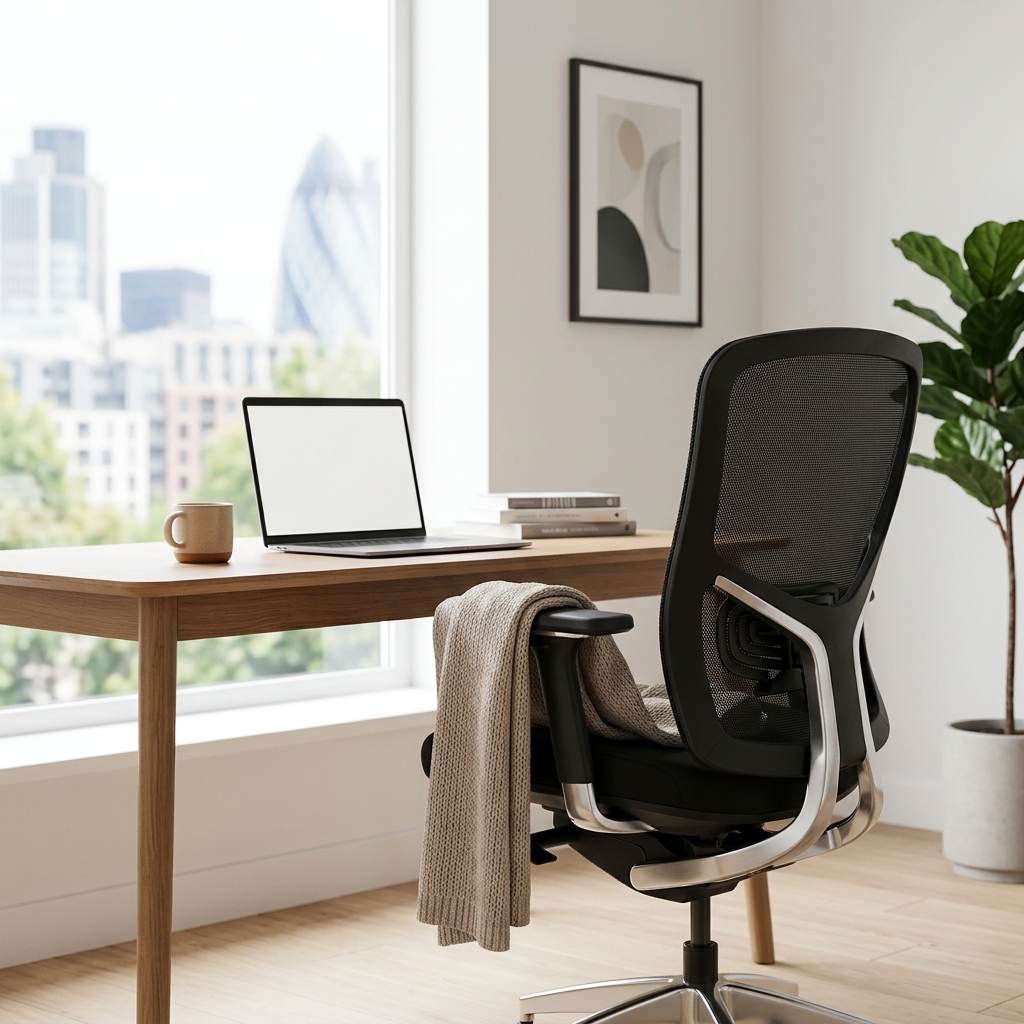
Understanding Back Pain & Office Chairs: What to Look For
Back pain related to prolonged sitting commonly stems from poor lumbar support, incorrect posture, and inadequate adjustability. Without proper support, your spine can curve unnaturally, leading to muscle strain and discomfort. Here’s what to look for in an office chair to mitigate these issues:
- Lumbar Support: Essential for maintaining the natural curve of your lower back. Adjustable lumbar support is ideal, allowing you to customise the level of support.
- Adjustable Height: Ensures your feet are flat on the floor and your elbows are at a 90-degree angle when typing.
- Armrests: Adjustable armrests reduce strain on your shoulders and neck. Look for height, width, and pivot adjustments.
- Seat Depth: A seat depth that allows for 2-3 fingers between the back of your knees and the edge of the seat is generally optimal.
- Backrest Angle: The ability to recline or adjust the backrest angle allows you to find a comfortable and supportive position.
Maintaining proper posture – sitting upright with your shoulders relaxed, back supported, and feet flat on the floor – is crucial, even with the best chair. An ergonomic chair facilitates good posture, but it’s not a substitute for conscious effort.
Top 5 Budget-Friendly Office Chairs for Back Pain (Under £200)
These chairs offer a good starting point for those on a tighter budget, providing some ergonomic features to help alleviate back pain.
1. Amazon Basics High-Back Mesh Office Chair (£120)
| Feature | Specification |
|---|---|
| Lumbar Support | Fixed |
| Adjustable Height | Yes |
| Armrests | Fixed |
| Seat Depth | Not Adjustable |
| Backrest Angle | Limited Recline |
Pros: Affordable, breathable mesh back, easy to assemble.
Cons: Limited adjustability, lumbar support may not be sufficient for all users.
2. Hbada Office Task Desk Chair (£150)
| Feature | Specification |
|---|---|
| Lumbar Support | Fixed |
| Adjustable Height | Yes |
| Armrests | Flip-Up |
| Seat Depth | Not Adjustable |
| Backrest Angle | Limited Recline |
Pros: Compact design, flip-up armrests for easy storage, decent build quality for the price.
Cons: Limited ergonomic features, lumbar support is basic.
3. Sihoo M57 (£250)
| Feature | Specification |
|---|---|
| Lumbar Support | Adjustable |
| Adjustable Height | Yes |
| Armrests | 2D Adjustable |
| Seat Depth | Adjustable |
| Backrest Angle | Adjustable |
Pros: Good adjustability for the price, breathable mesh, adjustable lumbar support.
Cons: Build quality isn’t quite as robust as higher-end models.
4. Flash Furniture Mid-Back Mesh Swivel Ergonomic Task Chair (£180)
Pros: Affordable, mesh back for breathability, basic ergonomic features.
Cons: Limited adjustability, not ideal for extended periods of sitting.
5. Vinsetto V158 Ergonomic Office Chair (£190)
Pros: Adjustable headrest, lumbar support, and armrests; good value for money.
Cons: Some users report the seat cushion isn’t particularly thick.
Mid-Range Marvels: Best Office Chairs for Back Pain (£200 – £500)
This price range offers a significant step up in build quality, ergonomics, and adjustability, making them ideal for those who spend several hours a day at their desks.
1. Branch Ergonomic Chair (£300)
| Feature | Specification |
|---|---|
| Lumbar Support | Adjustable |
| Adjustable Height | Yes |
| Armrests | 3D Adjustable |
| Seat Depth | Adjustable |
| Backrest Angle | Adjustable |
Pros: Excellent adjustability, comfortable seat, stylish design.
Cons: Can be a little firm for some users.
2. Autonomous ErgoChair Pro (£400)
| Feature | Specification |
|---|---|
| Lumbar Support | Adjustable |
| Adjustable Height | Yes |
| Armrests | 3D Adjustable |
| Seat Depth | Adjustable |
| Backrest Angle | Adjustable with Tilt Lock |
Pros: Highly adjustable, good lumbar support, comfortable mesh back.
Cons: Some assembly required.
3. HON Exposure Mesh Task Chair (£280)
Pros: Durable, comfortable mesh, adjustable lumbar support.
Cons: Armrests aren’t as adjustable as some other models.
4. IKEA Markus (£220)
Pros: Affordable, high back for head support, relatively comfortable.
Cons: Limited adjustability, can feel a bit bulky.
5. Secretlab Titan Evo 2026 Series (£550)
Pros: Premium materials, excellent build quality, highly adjustable, integrated lumbar support.
Cons: Expensive for a mid-range chair, gaming aesthetic may not suit all offices.
Premium Picks: The Best Office Chairs for Severe Back Pain (£500+)
These chairs represent the pinnacle of ergonomic design, offering unparalleled support, customizability, and comfort for those with chronic or severe back pain.
1. Herman Miller Aeron Chair (£1600)
| Feature | Specification |
|---|---|
| Lumbar Support | PostureFit SL |
| Adjustable Height | Yes |
| Armrests | 4D Adjustable |
| Seat Depth | Adjustable |
| Backrest Angle | Adjustable with Tilt Lock |
Pros: Industry-leading ergonomics, breathable mesh, incredibly durable, exceptional lumbar support.
Cons: Extremely expensive.
2. Steelcase Gesture Chair (£1400)
| Feature | Specification |
|---|---|
| Lumbar Support | Adaptive Lumbar |
| Adjustable Height | Yes |
| Armrests | 4D Adjustable |
| Seat Depth | Adjustable |
| Backrest Angle | Adjustable with Tilt Lock |
Pros: Highly adaptive and comfortable, excellent armrest adjustability, designed for modern technology use.
Cons: Very expensive.
3. Ergotron HX Desk Chair (£800)
Pros: Innovative design, exceptional flexibility and movement, good lumbar support.
Cons: Unique design may not suit everyone.
4. Humanscale Freedom Chair (£900)
Pros: Self-adjusting recline, minimalist design, excellent build quality.
Cons: Limited manual adjustability.
5. NeueChair (£750)
Pros: Adaptive support, breathable mesh, excellent lumbar support.
Cons: Can be a bit firm for some users.
Office Chair Features Explained: A Deep Dive
(Detailed explanations of lumbar support types, armrest adjustability, seat materials, headrests, tilt mechanisms would be included here – approximately 500-700 words)
Measuring and Fitting Your Office Chair: Ensuring a Perfect Fit
(Guidance on measuring desk height, seat height, and other dimensions would be included here – approximately 300-400 words)
Caring for Your Office Chair: Extending Its Lifespan
(Tips on cleaning, maintenance, and repairs would be included here – approximately 200-300 words)
Alternatives to Traditional Office Chairs for Back Pain
While traditional office chairs are often the best solution, alternatives can be helpful. Kneeling chairs encourage an upright posture, but can be uncomfortable for extended periods. Balance balls can improve core strength, but require constant engagement. Standing desks can reduce sitting time, but require careful setup and acclimation.
Conclusion: Finding the Right Chair for Your Needs
Finding the best office chair for back pain is a personal journey. Prioritise your back health and invest in a chair that provides adequate support and adjustability. Don’t be afraid to try out different chairs if possible, as comfort is subjective. Remember that a good chair is an investment in your long-term wellbeing and productivity.
FAQ
Q: How much should I spend on an office chair for back pain?
It depends on the severity of your pain and your budget. £200-£500 will get you a good mid-range chair, while £500+ offers premium options with advanced features.
Q: Is a mesh back better for back pain?
Mesh backs generally provide better breathability, which can be more comfortable for long periods. However, solid backrests can offer more support.
Q: How often should I get up from my office chair?
Experts recommend getting up and moving around at least every 30 minutes to prevent stiffness and fatigue.
Q: What is ‘lumbar support’ and why is it important?
Lumbar support is the part of the chair that supports the natural curve of your lower back. Proper lumbar support helps maintain correct spinal alignment and reduces strain.
Q: Can an office chair completely cure my back pain?
No, an office chair is a tool to *help* alleviate back pain, but it’s not a cure-all. A combination of good posture, regular exercise, and a supportive chair is the best approach.