
Table of Contents
As an Amazon Associate, we earn from qualifying purchases. This means we may receive a small commission at no extra cost to you when you buy through links on this page.
Why a Good Webcam Matters for Your Home Office
In 2026, the home office is more prevalent than ever. Video conferencing isn’t just a convenient alternative to in-person meetings; it’s often the *primary* method of communication. A high-quality webcam isn’t simply about seeing and being seen; it’s about presenting a professional image, fostering effective communication, and boosting your confidence during virtual interactions. Poor video quality can be distracting, make you appear unprofessional, and hinder clear communication. Investing in the right webcam is an investment in your professional success. The advancements in webcam technology over the past few years, especially with AI-powered features, mean there’s a perfect option for every budget and need.
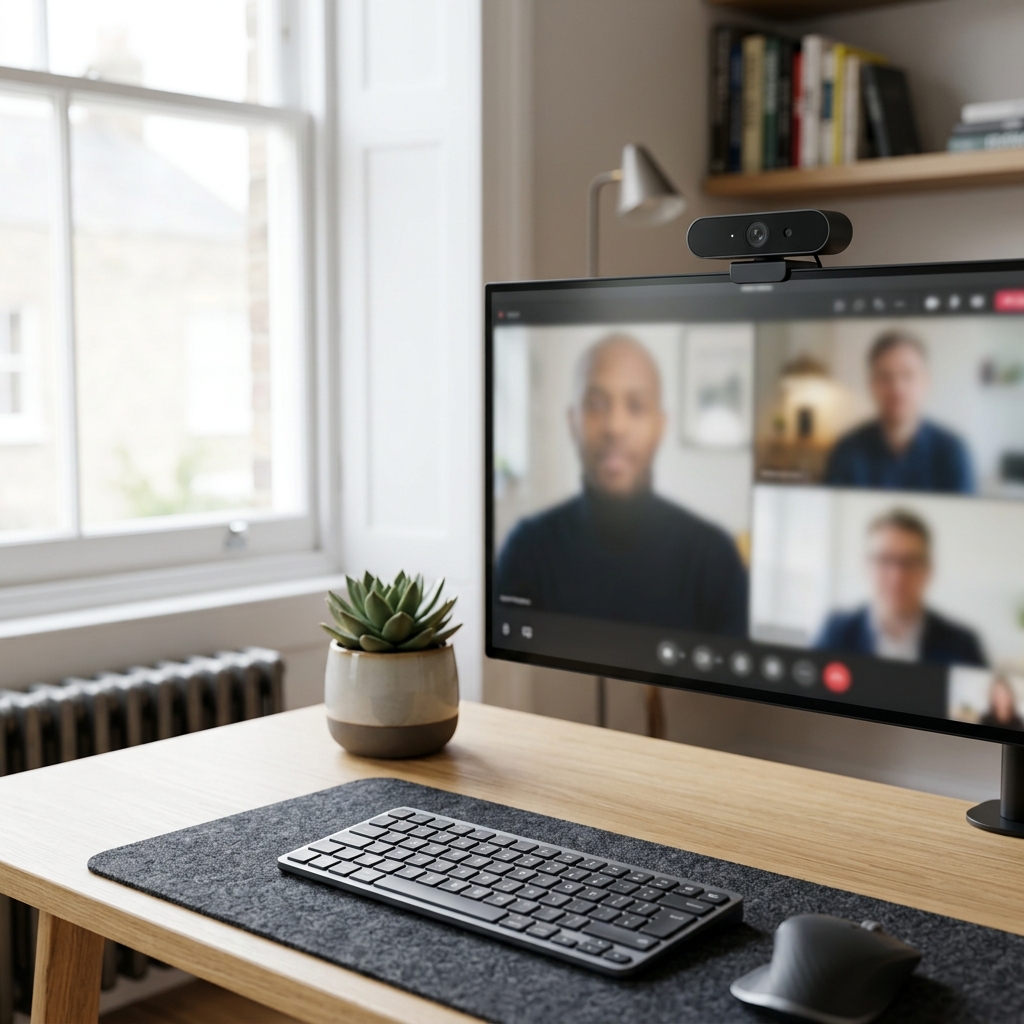
Key Features to Consider When Buying a Webcam (2026)
Choosing the right webcam can be overwhelming. Here’s a breakdown of the key features you should consider:
- Resolution: 1080p (Full HD) is the standard for most users, offering a sharp and clear image. 4K webcams provide even greater detail, ideal for streaming or recording.
- Frame Rate: 30fps is sufficient for most video calls. 60fps provides a smoother, more natural-looking video, particularly beneficial for presentations or movement-heavy streams.
- Field of View (FOV): A wider FOV (e.g., 90 degrees or more) is useful for group meetings or showing more of your background. A narrower FOV focuses on you.
- Autofocus: Ensures you remain sharp and in focus even if you move. Advanced autofocus technologies, common in 2026 models, track your face intelligently.
- Low-Light Performance: Crucial if your home office isn’t brightly lit. Look for webcams with features like HDR and wide dynamic range (WDR).
- Built-in Microphone Quality: A decent microphone is essential for clear audio. Consider a webcam with noise cancellation to minimise background distractions.
- Privacy Features: A physical privacy shutter is a must-have for peace of mind.
- AI-Powered Features (2026): Increasingly, webcams are incorporating AI for automatic framing, background removal, and even eye contact correction.
Top 5 Webcams for Home Office Use in the UK (2026)
1. OBSBOT Tiny 2
The OBSBOT Tiny 2 is a standout webcam with its AI-powered tracking and gesture control. It follows you as you move, keeping you perfectly framed.
Price: £249.99
Pros:
- Excellent AI tracking and gesture control
- 4K resolution
- High-quality built-in microphone
Cons:
- Can be expensive
- Software can be complex
2. Razer Kiyo Pro
The Razer Kiyo Pro boasts an uncompressed 1080p 60fps feed, delivering incredibly clear and smooth video. Its adaptive light sensor excels in low-light conditions.
Price: £219.99
Pros:
- Exceptional image quality
- Excellent low-light performance
- Wide-angle lens
Cons:
- Expensive
- Bulky design
3. Logitech Brio 4K Pro Webcam
The Logitech Brio remains a top contender in 2026, offering 4K resolution, HDR, and excellent all-around performance. Its RightLight 3 technology adjusts for varying lighting conditions.
Price: £189.99
Pros:
- 4K resolution
- HDR support
- Wide compatibility
Cons:
- Can be pricey
- Microphone quality could be better
4. Elgato Facecam Pro
The Elgato Facecam Pro is designed for streamers and professionals who demand the best image quality. It offers uncompressed 1080p 60fps video with a professional-grade lens.
Price: £199.99
Pros:
- Uncompressed video for superior quality
- Excellent image clarity
- Customisable settings
Cons:
- Requires Elgato Camera Hub software
- No built-in microphone
5. Anker PowerConf C200
The Anker PowerConf C200 offers a good balance of features and price. Its AI-powered features, like auto-framing and noise cancellation, enhance the video conferencing experience.
Price: £89.99
Pros:
- Affordable price
- AI-powered auto-framing
- Excellent noise cancellation
Cons:
- Image quality is not as high as premium models
Budget Webcams: Best Value for Money (Under £50)
If you’re on a tight budget, the Microsoft LifeCam Studio offers a surprisingly good experience for its price. It provides 1080p resolution and a decent built-in microphone. It’s perfect for basic video conferencing needs.
Microsoft LifeCam Studio – £79.99
Mid-Range Webcams: Balanced Performance & Features (£50 – £150)
The Anker PowerConf C200 strikes a great balance between price and performance. It’s a solid choice for those who need more than just basic functionality but don’t want to spend a fortune.
Premium Webcams: Top-of-the-Line Quality & Features (Over £150)
For professionals and streamers, the OBSBOT Tiny 2 and Razer Kiyo Pro deliver exceptional image quality and advanced features. The Elgato Facecam Pro is also a strong contender if you prioritize uncompressed video.
Webcam Accessories: Enhancing Your Setup
Don’t underestimate the power of accessories! A dedicated webcam light, like a Ring Light with Tripod (£39.99), can significantly improve your image quality, especially in low-light conditions. For superior audio, consider upgrading to a USB microphone, such as the Blue Yeti USB Microphone (£129.99).
Setting Up Your Webcam for Optimal Performance
Here are a few tips for getting the most out of your webcam:
- Positioning: Place the webcam at eye level.
- Lighting: Ensure your face is well-lit. Avoid backlighting.
- Background: Choose a clean and uncluttered background.
- Software Settings: Adjust the brightness, contrast, and white balance in your webcam software.
Frequently Asked Questions (FAQs)
Q: What resolution webcam do I need?
For most home office use, 1080p is sufficient. If you’re streaming or recording video, consider a 4K webcam.
Q: What is the difference between 30fps and 60fps?
60fps provides a smoother, more natural-looking video, especially during movement. 30fps is adequate for most video calls.
Q: Does my webcam need a built-in microphone?
A built-in microphone is convenient, but a dedicated USB microphone will offer significantly better audio quality.
Q: How important is autofocus?
Autofocus is very important, especially if you move around during video calls. It ensures you remain sharp and in focus.
Q: What is HDR and why does it matter?
HDR (High Dynamic Range) improves the contrast and color accuracy of your video, especially in challenging lighting conditions.